Welcome to Research Credentialing

We're excited to support your academic journey. Here, you can submit your Research Credentialing Requests quickly and efficiently.
Get Started:
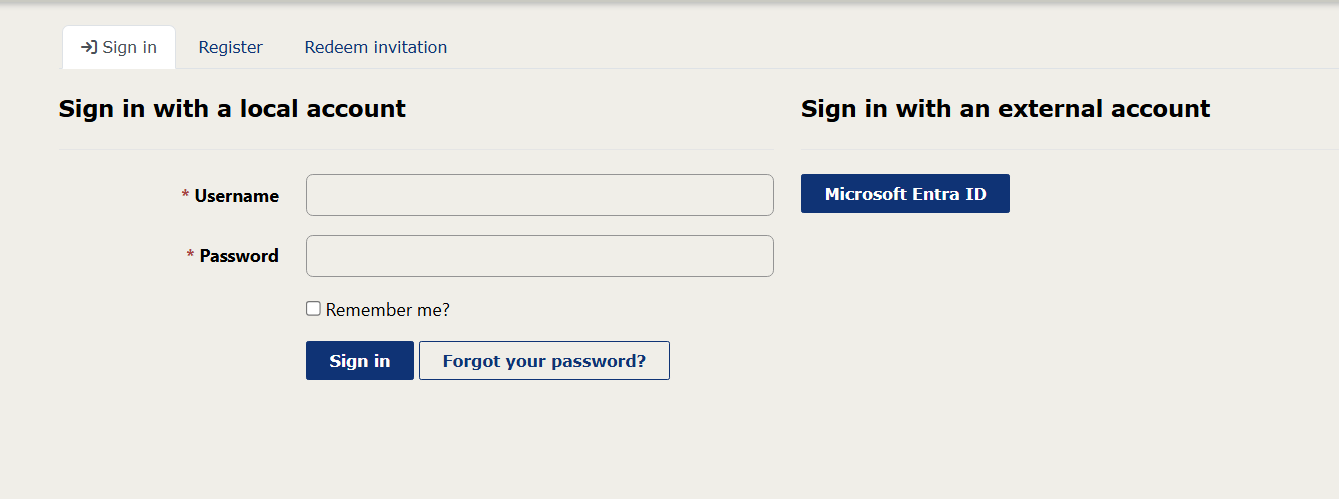
1. Use the Sign In link in the upper right corner of the navigation to either create a local account or log in with your student or organization Microsoft Account. Note: You cannot submit your form without being logged into the site.
2. Once logged in, click on the navigation link to Submit Research Credentialing Application. Fill out the credentialing request form completely and submit. Be sure to upload requested documents.
3. Need Help? Our support team is here to assist you every step of the way. Email us at SynapseSupport1@Barrowneuro.org